
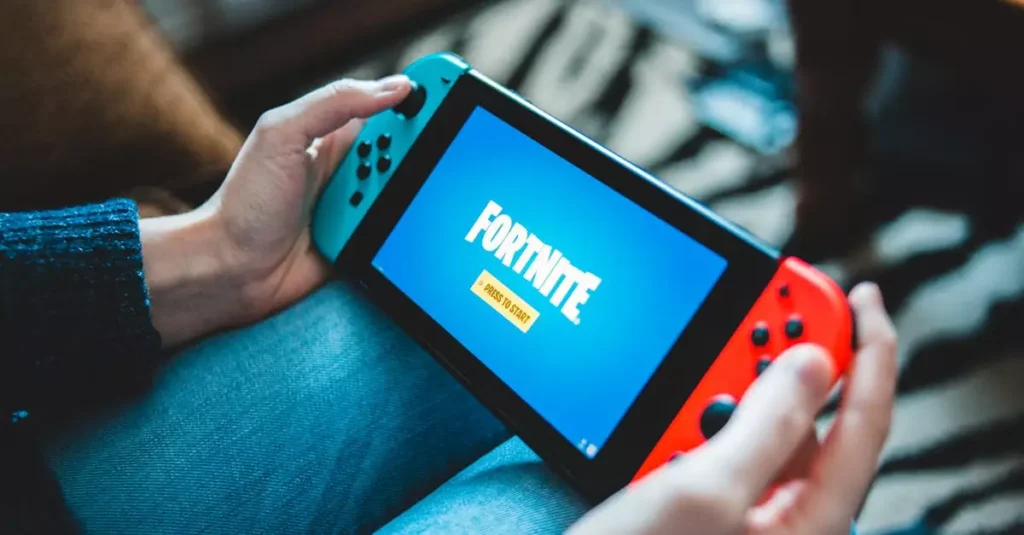
Fortnite remains one of the most popular battle royale games worldwide, attracting millions of players across various platforms. If you’re looking to join the fun without spending a dime, this guide will walk you through how to get a Fortnite free download safely and efficiently in 2026. Whether you’re a beginner or returning player, understanding the best ways to download and install Fortnite on your PC is essential. We’ll cover everything from system requirements, safe downloading practices, to performance optimization tips. Let’s dive into the ultimate guide that ensures you enjoy Fortnite without any hassle or risk.
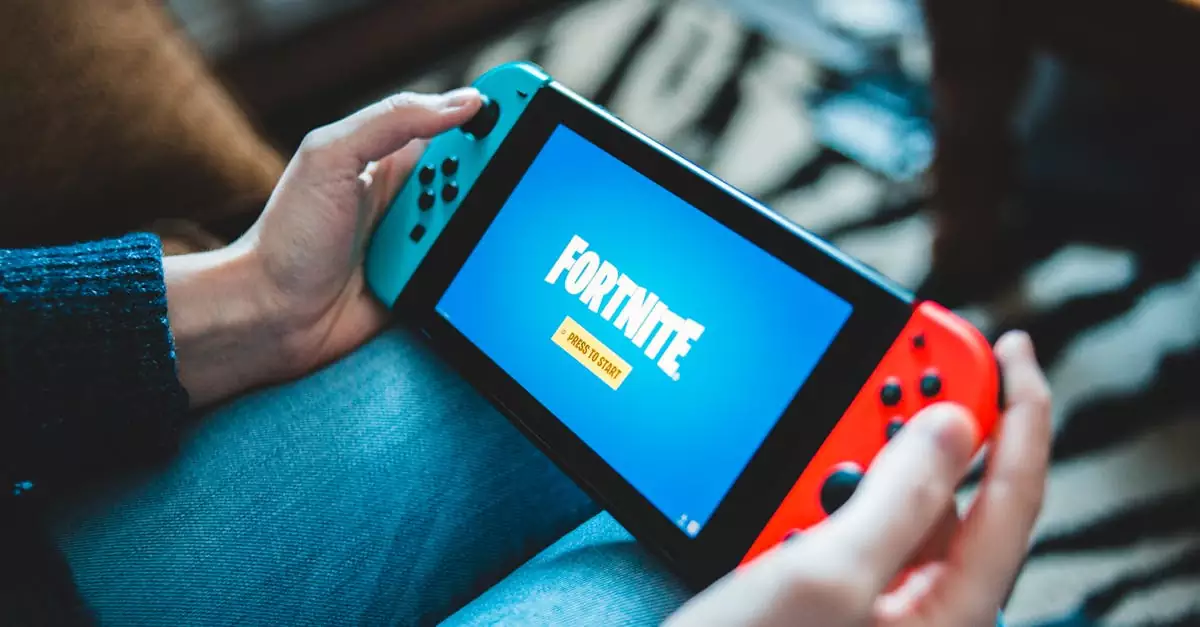
What is Fortnite and Why Download It for Free?
Fortnite is a dynamic multiplayer battle royale game developed by Epic Games, where up to 100 players compete to be the last person standing. Beyond its core battle royale mode, Fortnite offers creative modes allowing players to build and explore custom worlds. The game’s widespread appeal comes from its vibrant graphics, constant updates, and engaging gameplay mechanics.
Downloading Fortnite for free is possible because the game follows a free-to-play model. This means you can enjoy the entire core experience without any upfront cost. Epic Games monetizes Fortnite through in-game purchases like skins, emotes, and battle passes, which are optional. By opting for a fortnite free download, you get access to all the major game modes without spending money, making it accessible for everyone.
Choosing to download Fortnite for free also gives you access to the latest updates, seasonal events, and competitive challenges. This keeps the game fresh and exciting. Plus, since Fortnite supports cross-platform play, you can team up with friends on consoles or mobile devices, enhancing the social gaming experience.
If you want to learn more about Fortnite’s history and impact, check out this comprehensive overview on Wikipedia.
System Requirements for Fortnite on PC
Before you proceed with the fortnite free download pc version, it’s important to ensure your system meets the minimum and recommended requirements. This guarantees smooth gameplay and prevents crashes or lag issues. Fortnite is optimized to run on a wide range of PCs, but knowing these specs helps set expectations.
- Minimum Requirements: Intel Core i3 2.4 GHz processor, 4GB RAM, Intel HD 4000 graphics, Windows 7/8/10 64-bit OS, and at least 16GB of free storage.
- Recommended Requirements: Intel Core i5 2.8 GHz processor, 8GB RAM, Nvidia GTX 660 or AMD Radeon HD 7870 graphics card, Windows 10 64-bit OS, and 20GB free storage.
Meeting the recommended specs allows you to enjoy Fortnite at higher graphics settings and frame rates, which is ideal for competitive play. If your PC barely meets the minimum, expect to adjust settings to low or medium to maintain performance.
To check your PC’s compatibility, you can use built-in system info tools or third-party software like CPU-Z or Speccy. Ensuring your PC is ready before you download Fortnite latest version saves you time and frustration.

Step-by-Step Guide to Download Fortnite for Free
Downloading Fortnite safely and efficiently requires following the official steps. Here’s a clear and reliable fortnite free download tutorial to help you get started:
- Step 1: Visit the official Epic Games website at Epic Games Fortnite Download.
- Step 2: Click the “Download” button to get the Epic Games Launcher installer for PC.
- Step 3: Run the installer and follow the on-screen instructions to install the Epic Games Launcher.
- Step 4: Open the Epic Games Launcher and create an account or log in if you already have one.
- Step 5: Navigate to the Fortnite tab and click “Install” to start downloading the latest version of Fortnite.
- Step 6: Once the download completes, launch Fortnite and start playing for free!
This method ensures you get the most recent and secure version of the game without risking viruses or corrupted files. Avoid third-party sites that claim to offer a fortnite free download no virus but might expose your PC to malware.
Following these steps is the best way to download Fortnite free on PC, guaranteeing access to all official updates and features.
How to Install Fortnite Safely Without Viruses
Safety is paramount when downloading any game, especially popular titles like Fortnite. Installing Fortnite through trusted sources significantly reduces the risk of viruses or malware. Here are key points to install Fortnite free safely:
- Always download directly from the Epic Games official website or trusted digital storefronts.
- Ensure your antivirus software is up to date before downloading and installing the game.
- Avoid clicking on suspicious ads, pop-ups, or links promising free V-Bucks or cheats.
- Verify the downloaded file size and name to match official Epic Games downloads.
- Keep your operating system and drivers updated to avoid compatibility issues.
Installing Fortnite through the Epic Games Launcher also includes automatic scanning and verification processes, adding an extra layer of security. If you ever encounter files or installers claiming to offer Fortnite for free outside official channels, it’s best to steer clear.
By following these safety measures, you ensure your PC stays secure and your gaming experience remains uninterrupted.
Common Issues When Downloading Fortnite and Fixes
Even with the official process, users sometimes face challenges when trying to download or install Fortnite. Here are some common issues and how to fix them:
- Download Stuck or Slow: Check your internet connection, pause other downloads, or restart the Epic Games Launcher.
- Installation Fails: Run the installer as an administrator and ensure your disk has enough free space.
- Launcher Crashes: Update your graphics drivers and verify the launcher is running the latest version.
- Firewall Blocking: Add exceptions for Epic Games Launcher in your firewall and antivirus settings.
- Corrupted Files: Use the Epic Games Launcher’s “Verify” feature to scan and repair corrupted game files.
Addressing these issues promptly can save you from unnecessary delays. Additionally, consulting the official Epic Games support page provides tailored solutions for specific errors.
Tips to Optimize Fortnite Performance on Your PC
After completing your fortnite free download safe and installation, optimizing game performance ensures a smooth and enjoyable experience. Here are practical tips to enhance Fortnite on your PC:
- Adjust Graphics Settings: Lower settings like shadows, view distance, and effects if you experience lag.
- Update Drivers: Keep your GPU and sound card drivers current for compatibility and performance gains.
- Close Background Applications: Shut down unnecessary programs to free up system resources.
- Enable Game Mode: On Windows 10/11, activating Game Mode prioritizes your PC’s gaming performance.
- Use a Wired Connection: Reduce latency by connecting your PC directly to the router via Ethernet.
For competitive players, maintaining a high frame rate and low ping can be critical. Tweaking settings and hardware can provide an edge. Remember, balancing visual quality and performance depends on your PC’s capabilities.
Regularly updating Fortnite through the Epic Games Launcher also ensures you benefit from performance improvements included in patches and updates.
Frequently Asked Questions
Q: Is Fortnite really free to download and play?
A: Yes, Fortnite is completely free to download and play. The game’s revenue comes from optional in-game purchases like skins and battle passes, but the core gameplay is accessible without any cost.
Q: Where can I safely download Fortnite without viruses?
A: The safest way to download Fortnite is through the official Epic Games website or the Epic Games Launcher. Avoid third-party sites to prevent virus risks.
Q: Can I play Fortnite on low-end PCs after downloading it?
A: Yes, Fortnite can run on low-end PCs by adjusting graphics settings to low or medium. However, performance depends on your hardware meeting at least the minimum system requirements.
Q: Do I need an Epic Games account to download Fortnite?
A: Yes, creating an Epic Games account is required to download and play Fortnite. It allows you to save progress, access updates, and play cross-platform.
Q: What are the minimum system requirements for Fortnite?
A: The minimum requirements include an Intel Core i3 2.4 GHz processor, 4GB RAM, Intel HD 4000 graphics, Windows 7/8/10 64-bit OS, and at least 16GB of free storage.
Q: How often does Fortnite update and do I need to redownload?
A: Fortnite updates frequently, often weekly or biweekly. Updates download automatically through the Epic Games Launcher; you don’t need to redownload the entire game, just the patch files.
Where to Get Official Updates and Support
To stay current with Fortnite’s latest versions and patches, always rely on the official Epic Games Launcher. It manages automatic updates, ensuring you never miss new content or bug fixes. For troubleshooting, Epic Games offers a comprehensive support portal with guides, FAQs, and direct assistance.
Visit the Epic Games Fortnite Support page for verified solutions to common problems, account management, and gameplay tips. Following official channels also protects you from scams or unofficial software.
Additionally, Epic Games regularly posts patch notes and community news on their website and social media, keeping players informed about upcoming features and events.
Conclusion
Downloading Fortnite for free in 2026 is straightforward when following official methods through the Epic Games Launcher. Ensuring your PC meets the system requirements and taking precautions against viruses will provide a smooth and secure gaming experience. By keeping your game updated and optimizing your PC’s performance, you can fully enjoy Fortnite’s dynamic gameplay and vibrant community. Whether you’re a casual player or aiming for competitive success, this guide equips you with the knowledge to start your Fortnite journey safely and confidently.