
Overwatch 2 PC continues to captivate gamers worldwide with its dynamic gameplay, vibrant graphics, and evolving multiplayer experience. As the sequel to the original Overwatch, this title brings fresh features and improvements tailored specifically for the PC platform in 2026. Whether you’re a seasoned player or a newcomer, understanding the game’s system requirements, installation process, and performance optimization can significantly enhance your experience. In this comprehensive guide, we’ll explore everything from the basics of Overwatch 2 to the latest updates, ensuring you stay ahead in this competitive shooter. Dive in to learn how to maximize your gameplay, boost your FPS, and troubleshoot common issues with expert insights.
What is Overwatch 2? Overview and Features
Overwatch 2 is a team-based multiplayer first-person shooter developed by Blizzard Entertainment, designed to build upon the success of its predecessor. The game emphasizes cooperative play, strategic hero selection, and fast-paced combat. Unlike the original, Overwatch 2 introduces a shift from 6v6 to 5v5 gameplay, which alters team dynamics and strategies significantly.
Key features include:
- New Heroes and Maps: Overwatch 2 expands the roster with fresh heroes and diverse maps, keeping gameplay exciting and unpredictable.
- Visual and UI Enhancements: The graphics are polished for a more immersive experience, with improved HUD elements designed for clarity.
- Cross-Play and Cross-Progression: Players on PC, consoles, and other platforms can compete together, maintaining progress across devices.
- Enhanced PvE Content: Blizzard plans to introduce story-driven missions and cooperative modes, broadening the game’s appeal.
Overwatch 2’s design focuses on accessibility and competitive balance, making it a favorite for both casual gamers and esports professionals. Its PC version leverages powerful hardware for smooth gameplay, but also offers settings optimized for lower-end machines, ensuring a wide player base can enjoy the action.
Overwatch 2 PC System Requirements for 2026
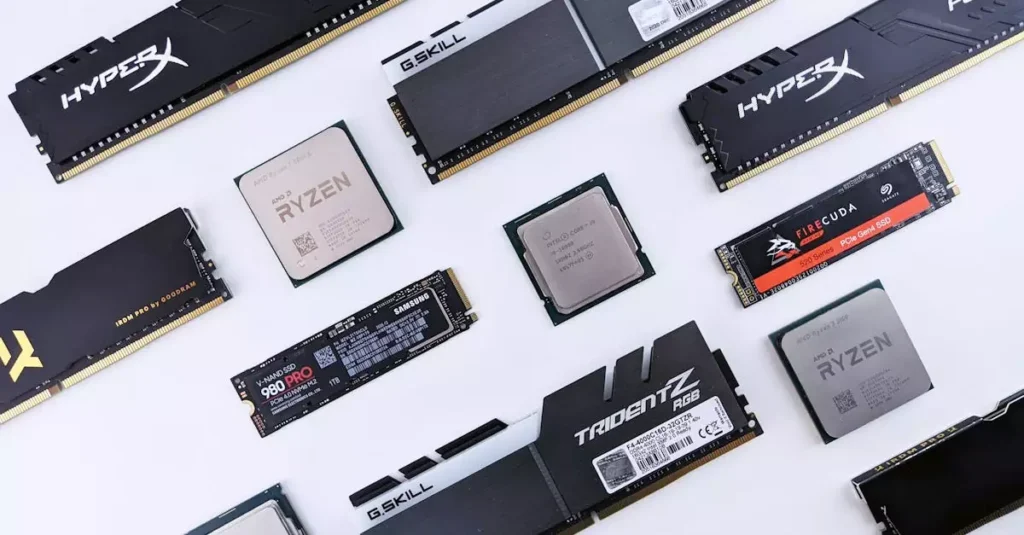
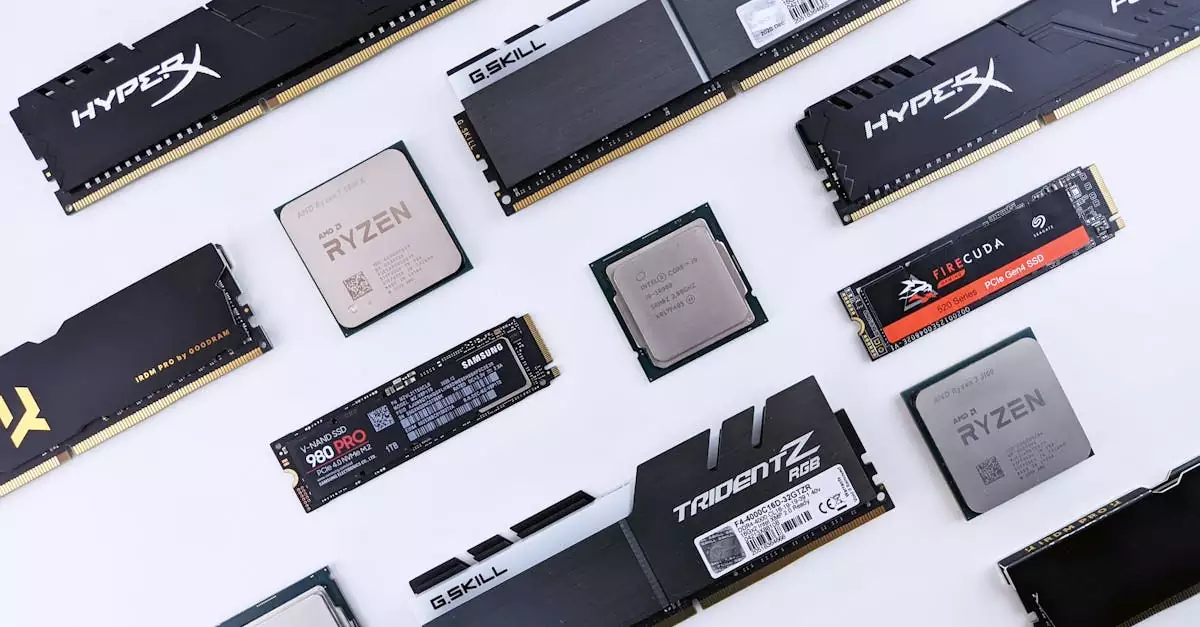
To enjoy Overwatch 2 on PC without interruptions, understanding the system requirements is crucial. The 2026 specs reflect the game’s need for modern hardware to deliver high frame rates and detailed visuals. Here’s what you need to know:
| Specification | Minimum | Recommended |
|---|---|---|
| OS | Windows 10 64-bit | Windows 11 64-bit |
| Processor | Intel Core i3 or AMD Ryzen 3 | Intel Core i7 or AMD Ryzen 7 |
| RAM | 8 GB | 16 GB |
| Graphics | NVIDIA GeForce GTX 1050 or AMD Radeon RX 560 | NVIDIA GeForce RTX 2060 or AMD Radeon RX 6600 XT |
| Storage | 50 GB SSD | 50 GB NVMe SSD |
| DirectX | Version 12 | Version 12 |
| Internet | Broadband | Broadband |
These requirements ensure the game runs smoothly at 1080p with decent frame rates. For players with low-end PCs, tweaking settings can help maintain performance, but upgrading hardware will provide the best experience. Also, Overwatch 2 supports controller input on PC, allowing players to use gamepads seamlessly.
How to Download and Install Overwatch 2 on PC
Getting started with Overwatch 2 on PC is straightforward. Blizzard has streamlined the download and installation process, but following these steps ensures a smooth setup:
- Create a Blizzard Account: Visit the official Blizzard website to sign up if you don’t have an account.
- Download Blizzard Battle.net Launcher: This is the platform for managing Blizzard games, including Overwatch 2.
- Install and Launch Battle.net: After installation, open the launcher and log in with your Blizzard credentials.
- Locate Overwatch 2: Find Overwatch 2 in the game library and click “Install.” Choose your preferred installation location.
- Wait for Download and Installation: Depending on your internet speed, this might take some time. Ensure stable connectivity.
- Update the Game: The launcher will automatically download the latest patches and updates.
- Launch and Configure: Start the game, adjust initial settings, and you’re ready to play.
Following this guide ensures you avoid common pitfalls such as corrupted files or incomplete downloads. Additionally, Blizzard regularly releases updates, so keeping the Battle.net launcher active guarantees you receive the latest improvements automatically.
Optimizing Overwatch 2 Settings for Best PC Performance
Overwatch 2 PC performance can vary widely based on your hardware. To achieve the best frame rates and smooth gameplay, optimizing your in-game settings is essential. Here are some expert tips:
- Adjust Graphics Quality: Set textures, shadows, and effects to medium or low on older PCs to boost FPS without sacrificing too much visual fidelity.
- Resolution Settings: Playing at native resolution is ideal, but lowering resolution can significantly improve performance on low-end machines.
- Disable V-Sync: Turning off vertical sync reduces input lag and can increase FPS, especially on high-refresh-rate monitors.
- Limit Frame Rate: Cap your FPS to your monitor’s refresh rate to prevent unnecessary GPU load.
- Use Performance Mode: Overwatch 2 includes a performance mode that reduces visual effects for smoother gameplay.
- Update Drivers: Always keep your GPU drivers up to date for optimal compatibility and performance.
For players seeking a competitive edge, balancing visual clarity and performance is key. Lowering unnecessary effects like motion blur and ambient occlusion improves target visibility and responsiveness. Additionally, enabling controller support on PC can provide a different playstyle advantage for some users.
Tips and Tricks for Competitive Play on PC
Competitive play in Overwatch 2 PC demands skill, teamwork, and strategy. Here are some essential tips to elevate your gameplay:
- Master a Few Heroes: Focus on learning the mechanics and roles of a select group of heroes to improve your effectiveness.
- Communicate Effectively: Use voice chat or quick commands to coordinate with your team.
- Map Awareness: Understanding map layouts and choke points can help you anticipate enemy movements and plan ambushes.
- Use Ultimate Abilities Strategically: Coordinate ultimates with teammates to maximize impact rather than using them individually.
- Practice Aim and Movement: Regularly train your aim and learn advanced movement techniques to outmaneuver opponents.
- Adapt to Meta Changes: Stay updated on patches and hero balance to adjust your strategies accordingly.
Many top players recommend customizing your keybinds and sensitivity settings for greater control. Additionally, leveraging the PC’s high FPS capabilities can give you faster reaction times. Whether you’re climbing ranks or playing casually, these insights can dramatically improve your performance.
Troubleshooting Common Overwatch 2 PC Issues
Even with a well-optimized system, players may encounter issues while playing Overwatch 2 on PC. Here are solutions to common problems:
- Game Crashes or Won’t Launch: Verify your game files via Battle.net, update drivers, and ensure your OS is current.
- Low FPS or Lag: Lower in-game graphics settings, close background applications, and check your network connection.
- Controller Not Recognized: Enable controller support in settings and update controller drivers.
- Connection Errors: Restart your router, use a wired connection if possible, and check Blizzard’s server status.
- Audio Issues: Update sound drivers and check in-game audio settings.
For persistent issues, Blizzard’s support site offers detailed guides and forums where players share fixes. Regular game updates also address many bugs, so keeping your game current is a crucial troubleshooting step.
Latest Updates and Patch Notes for Overwatch 2 PC
Staying informed about the latest Overwatch 2 PC update 2026 is vital for competitive advantage and enjoying new content. Blizzard frequently releases patches that include hero balancing, bug fixes, and new features. Recent updates have focused on:
- Hero Adjustments: Tweaks to abilities and stats to maintain game balance.
- New Skins and Cosmetics: Seasonal events introduce fresh customization options.
- Performance Enhancements: Improvements targeting FPS stability and reduced latency.
- Quality of Life Features: UI improvements, matchmaking refinements, and enhanced controller support.
For detailed patch notes, visiting Blizzard’s official Overwatch 2 page or community forums is recommended. These updates reflect Blizzard’s commitment to evolving the game based on player feedback and competitive trends.
Conclusion
Overwatch 2 on PC in 2026 offers an engaging, fast-paced shooter experience enhanced by Blizzard’s continuous updates and optimizations. By understanding the system requirements, following the download guide, and fine-tuning your settings, you can enjoy smooth gameplay across various hardware configurations. Whether you’re aiming to climb competitive ranks or enjoy casual matches, applying strategic tips and staying updated with the latest patches will keep you at the top of your game. Our expert-tested insights ensure you get the most out of Overwatch 2 PC, making it a must-play title for fans of team-based shooters.
Frequently Asked Questions
Q: What are the minimum and recommended specs for Overwatch 2 on PC?
A: The minimum specs include an Intel Core i3 or AMD Ryzen 3 processor, 8 GB RAM, and an NVIDIA GTX 1050 or AMD RX 560 GPU. Recommended specs require an Intel Core i7 or Ryzen 7, 16 GB RAM, and an NVIDIA RTX 2060 or AMD RX 6600 XT GPU for optimal performance.
Q: Can I play Overwatch 2 on a low-end PC?
A: Yes, Overwatch 2 supports lower settings for low-end PCs. By adjusting graphics quality, resolution, and enabling performance mode, you can achieve playable frame rates even on less powerful machines.
Q: How do I update Overwatch 2 on PC?
A: Updates are managed through the Blizzard Battle.net launcher. Simply open the launcher, and it will automatically download and install the latest patches when you start the game.
Q: Is Overwatch 2 free to play on PC?
A: Yes, Overwatch 2 is free to play on PC, with optional in-game purchases for cosmetics and other content.
Q: Does Overwatch 2 support cross-play on PC?
A: Yes, Overwatch 2 supports cross-play, allowing PC players to compete with friends on consoles and other platforms seamlessly.
Q: What settings improve FPS in Overwatch 2 on PC?
A: Lowering texture quality, disabling V-Sync, reducing resolution, and enabling performance mode are effective ways to boost FPS and maintain smooth gameplay on PC.

