![Ultimate Guide to Playing Free Fire on PC [2026 Edition]](https://bestgame360.com/wp-content/uploads/2026/04/7858767-13-1024x535.webp "Ultimate Guide to Playing Free Fire on PC [2026 Edition]")
Ultimate Guide to Playing Free Fire on PC [2026 Edition]
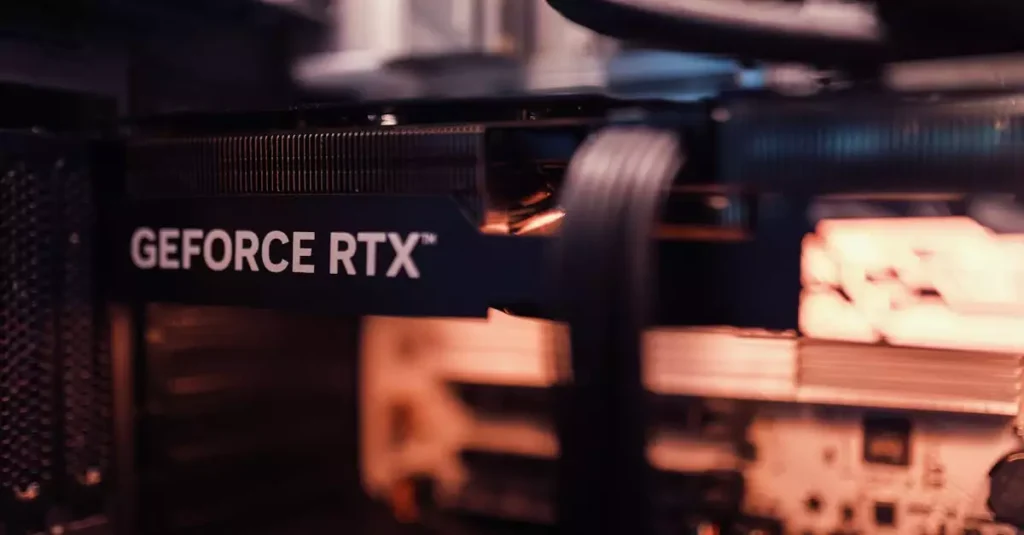
Use Wired Internet: A stable wired connection reduces latency compared to Wi-Fi. Update Drivers: Keep your GPU and network drivers up to date. Adjust Emulator Settings: Allocate more CPU cores and RAM to the emulator for better performance. Disable Background Apps: Close unnecessary software that consumes bandwidth or CPU resources. Lower Graphics Settings: Reduce resolution