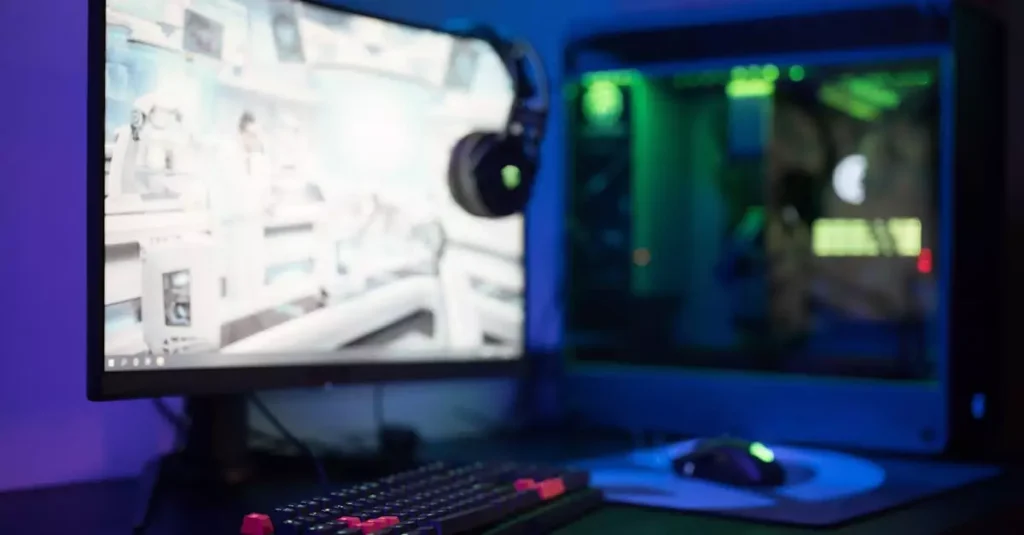
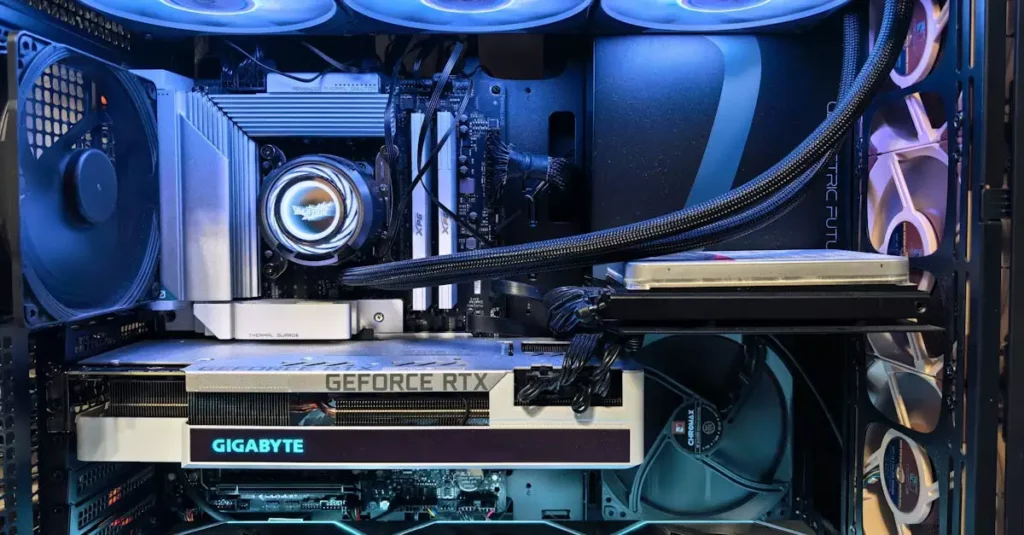
To host a LAN party in a small apartment, focus on the essentials: a reliable wired network, safe power distribution, and enough clear space for people to sit comfortably. A little planning prevents crowded walkways, tangled cables, and last-minute game downloads from taking over the evening.
This guide covers a practical lan party setup for a few friends, from choosing a room layout to keeping noise manageable. You do not need a dedicated gaming room or expensive networking gear; coordinating devices, seating, and shared expectations beforehand makes a compact gathering much easier to enjoy.
Plan a Compact LAN Party Setup
Start by confirming the player count, device types, and games with your guests. Ask everyone to install updates and launch each game before arriving, since downloads can consume bandwidth and delay play. Measure the room and decide where screens, chairs, and the router or network switch can sit without blocking doors or the route to the kitchen.

For a small group, a dining table or cleared desk usually works better than squeezing extra stations into a narrow room. Leave room for elbows and ventilation, and keep drinks away from keyboards and power equipment. Tell guests which games are planned, whether they should bring headphones, and if an available Ethernet cable would be useful.
| Connection choice | Best for | What to prepare |
|---|---|---|
| Ethernet to router | Consistent play and low setup fuss | One cable per device, or a switch |
| Wi-Fi | Fewer cables and flexible seating | Strong signal and a tested network |
| Local network switch | Several wired devices near one table | Switch, router connection, and cables |
Arrange Seating, Cables, and the Network
Place the router or switch where cables can reach the gaming area without crossing a busy walkway. Ethernet is often a dependable choice for stationary PCs and consoles, while Wi-Fi can reduce clutter for laptops. Test the actual games and devices in advance; network requirements vary, and some titles need an internet connection even when players share a local network.
Use cables of suitable length and route them along walls where possible, securing loose runs with reusable cable ties or floor-safe covers. Do not stretch a cable tightly across a doorway or rely on tape that may damage flooring. Label the ends if guests bring similar equipment, and keep one spare cable and a power-free troubleshooting checklist nearby.
Manage Power Safely in a Small Space
Before plugging in several gaming systems, check the condition and placement of outlets, adapters, and extension leads. Keep power strips accessible and uncovered, and avoid connecting one power strip to another. Do not run cords beneath rugs, pinch them under furniture, or place drinks near electrical connections. If an outlet, plug, or cable looks damaged, do not use it.
Spread equipment across available outlets where practical instead of clustering every device on one strip. High-powered PCs, monitors, consoles, and room appliances can add up, so follow the equipment manufacturers’ instructions and the ratings printed on power accessories. When uncertain about a circuit or an unusual electrical setup, reduce the number of devices or ask a qualified electrician. ESFI home electrical safety guidance offers additional general precautions.
Keep Noise and Heat Under Control
Agree on a finish time and a reasonable volume before the first match, especially if neighbours share walls or floors. Headsets help contain game audio, but they do not reduce conversation, chair movement, or loud reactions. Put a soft mat under a chair if suitable, close windows during late sessions, and avoid placing speakers against a shared wall.
Gaming devices also need airflow, so leave vents clear and avoid stacking consoles, laptops, or chargers on top of one another. If the room feels warm, take a short break and improve ventilation when practical rather than directing a fan into blocked equipment. These lan party apartment tips help keep the space comfortable without promising that every device will stay silent or cool.
Conclusion
A successful small-apartment gathering depends less on adding gear than on making a few deliberate choices. Confirm the player count and games, test the network, route cables away from walkways, and keep power accessories in good condition. Set expectations for noise and the end time, then leave enough space for people and equipment to breathe. With this straightforward approach, you can host a LAN party in a small apartment that feels organised, comfortable, and ready for play.
FAQ: How many people can fit in a small apartment LAN party?
There is no universal number; it depends on the room, furniture, and size of each gaming setup. Count usable seats and check that guests can move between the entrance, kitchen, and bathroom without stepping over equipment. A smaller group with comfortable spacing is usually more practical than filling every available corner.
FAQ: Does every player need an Ethernet connection?
No, but wired connections can make setup more predictable for stationary devices. Wi-Fi may be perfectly adequate when the signal is strong and the game supports it. Test the actual game and network beforehand, and consider a switch if several wired devices need connections near the same table.
FAQ: What should guests bring to a LAN party?
Ask guests to bring their gaming device, required controller or peripherals, and any specific headset they prefer. Request that they install updates and check game access before arriving. You can also ask them to bring a labelled Ethernet cable or charger if needed, but confirm the room’s available connections and space first.